
DownloadMy Plaud
One disk image. Drag the app to Applications and log in to Plaud. The first sync downloads every recording.
Download my-plaud.dmgVersion 0.1.1, for macOS 27 or later. Free, under the MIT licence.
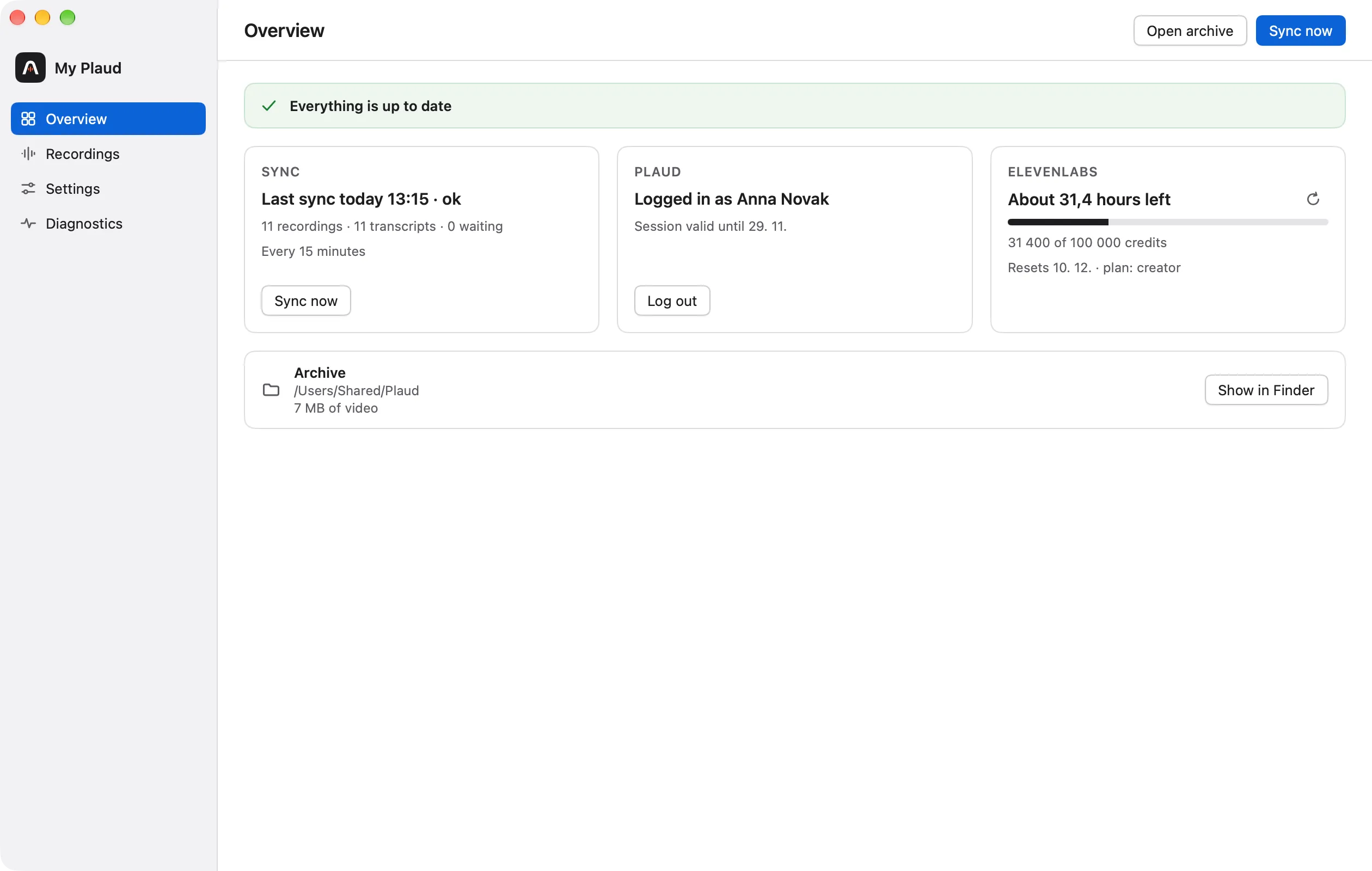
Install it in three steps
Open the disk image
Double-click my-plaud.dmg in your Downloads folder.
Drag the app to Applications
Drag My Plaud to the Applications folder, then eject the disk image.
Open it and log in
The app appears in the menu bar and its window opens by itself, so you can log in to Plaud.
What you need
A MacWith macOS 27 or later
An accountA Plaud account, to archive its recordings
To transcribeAn ElevenLabs, OpenAI or OpenRouter API key, or 1.7 GB of disk space for the Whisper model that runs on the Mac
To summariseOptional: an Anthropic, OpenAI or OpenRouter API key, or a model server on the Mac such as LM Studio
Updating
Download the latest disk image, quit My Plaud from its menu, and drag the new app to Applications, replacing the old one.
The archive, the settings and the keys are untouched.
Update and uninstall